
Web Frontend
Blaze comes with a Web UI that provides a user friendly view on the FHIR data and and administrative UI.
FHIR View
TODO
Admin UI
TODO
Databases
The state of the RocksDB databases of Blaze can be inspected in the Databases section of the Admin UI, described on a separate page.
Job System
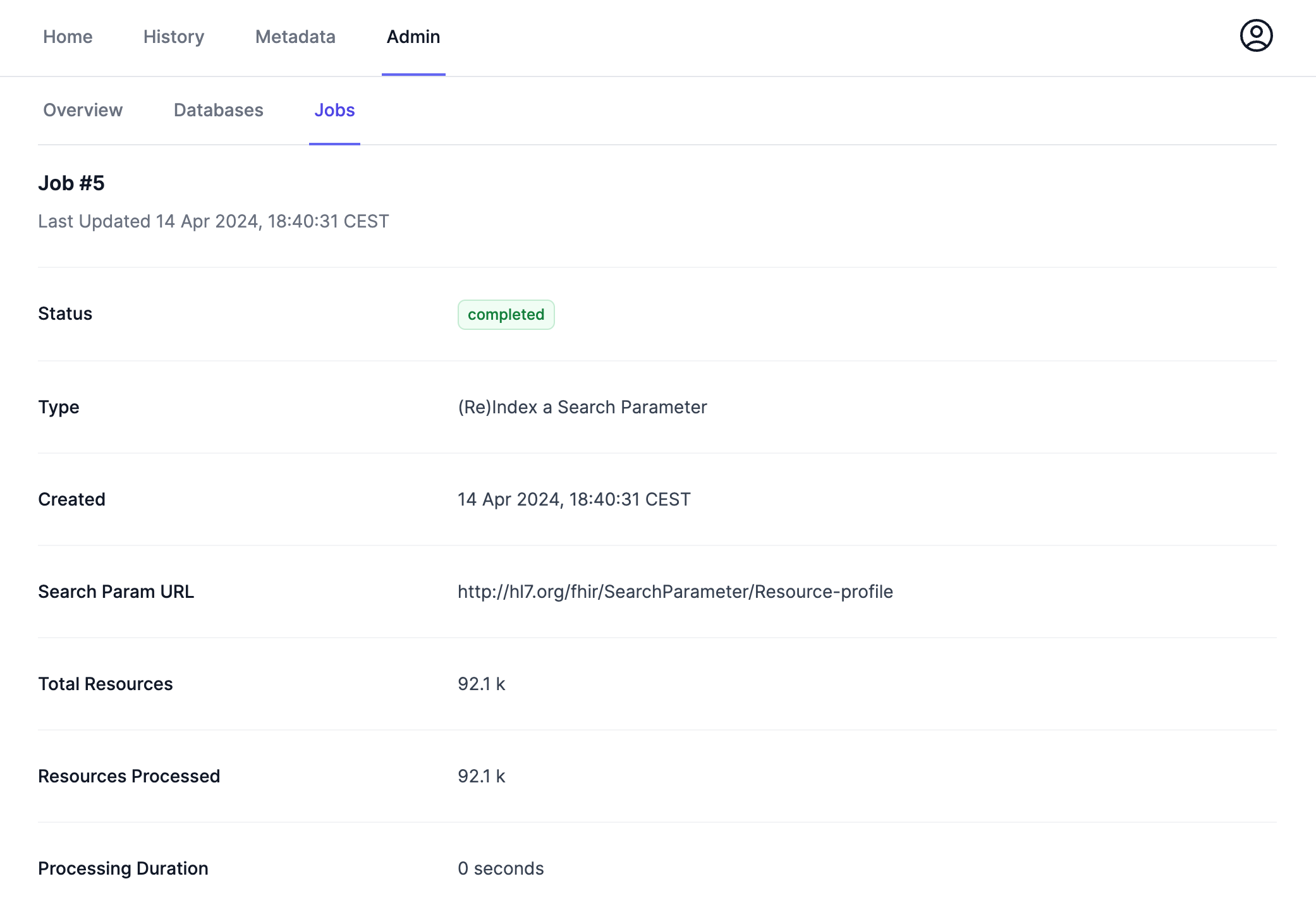
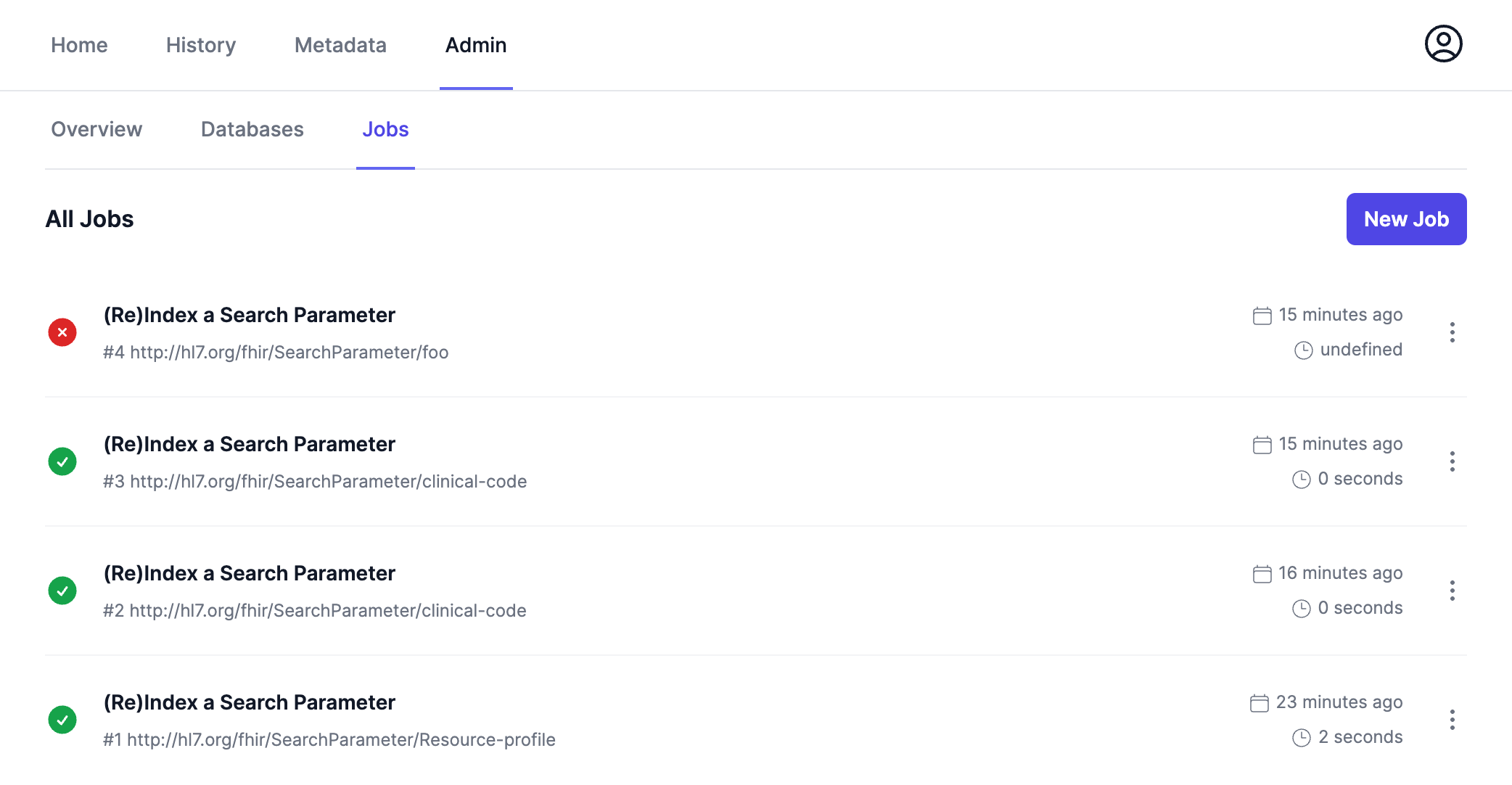
The next part of the Admin UI is a job system where background jobs of Blaze can be managed. Currently, the only available job type is (Re)Index a Search Parameter.
A new job can be created by clicking on the New Job button on the Jobs page in the Admin UI.
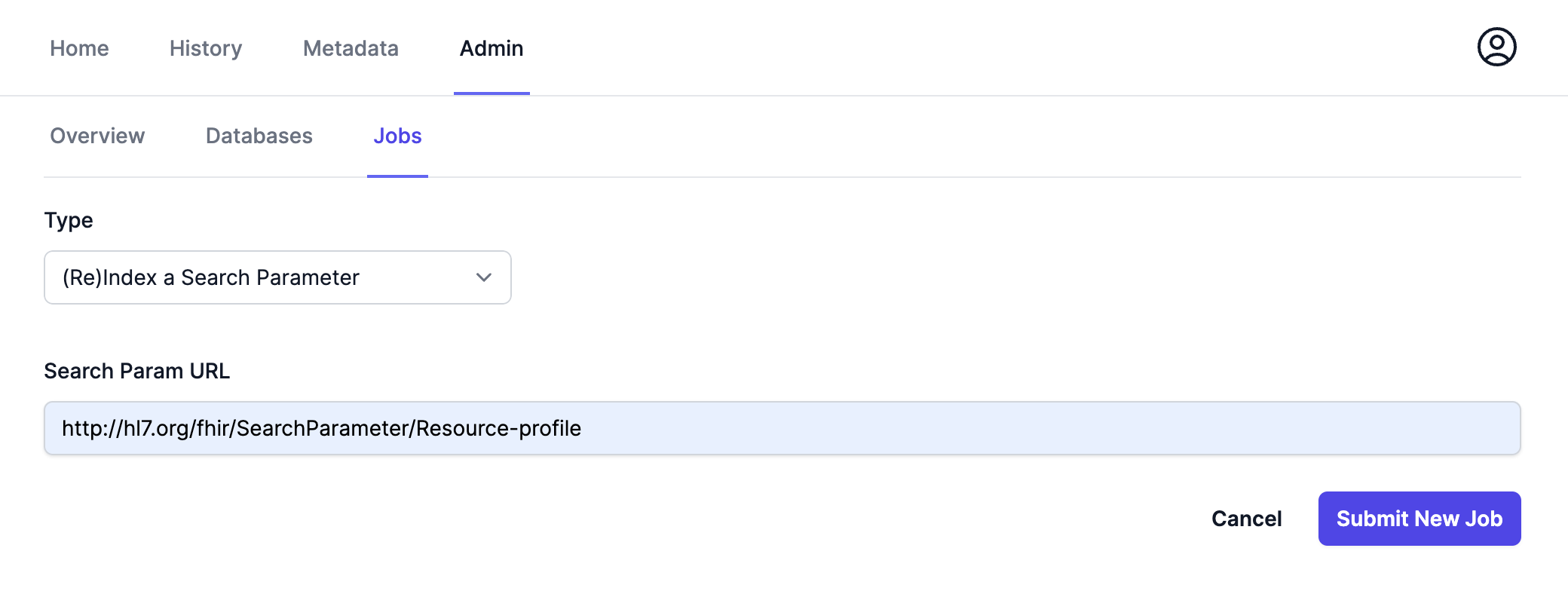
After that a page with a job form opens. For the (Re)Index a Search Parameter job, the URL of the search parameter has to be specified.
After submitting the job, the job detail page will open.